 Vidily
 Frame to frame
One deliberate movement between two images.
Every shot has a purpose.
Create a coherent, smooth camera transition from the starting image to the ending image. Preserve the subject and scene where possible. Natural motion, no abrupt cuts, no added text.
Start + end frame
Two related, clearly composed images.
One ready-to-edit clip
Choose a supported duration for your model. A new take never replaces an earlier one.
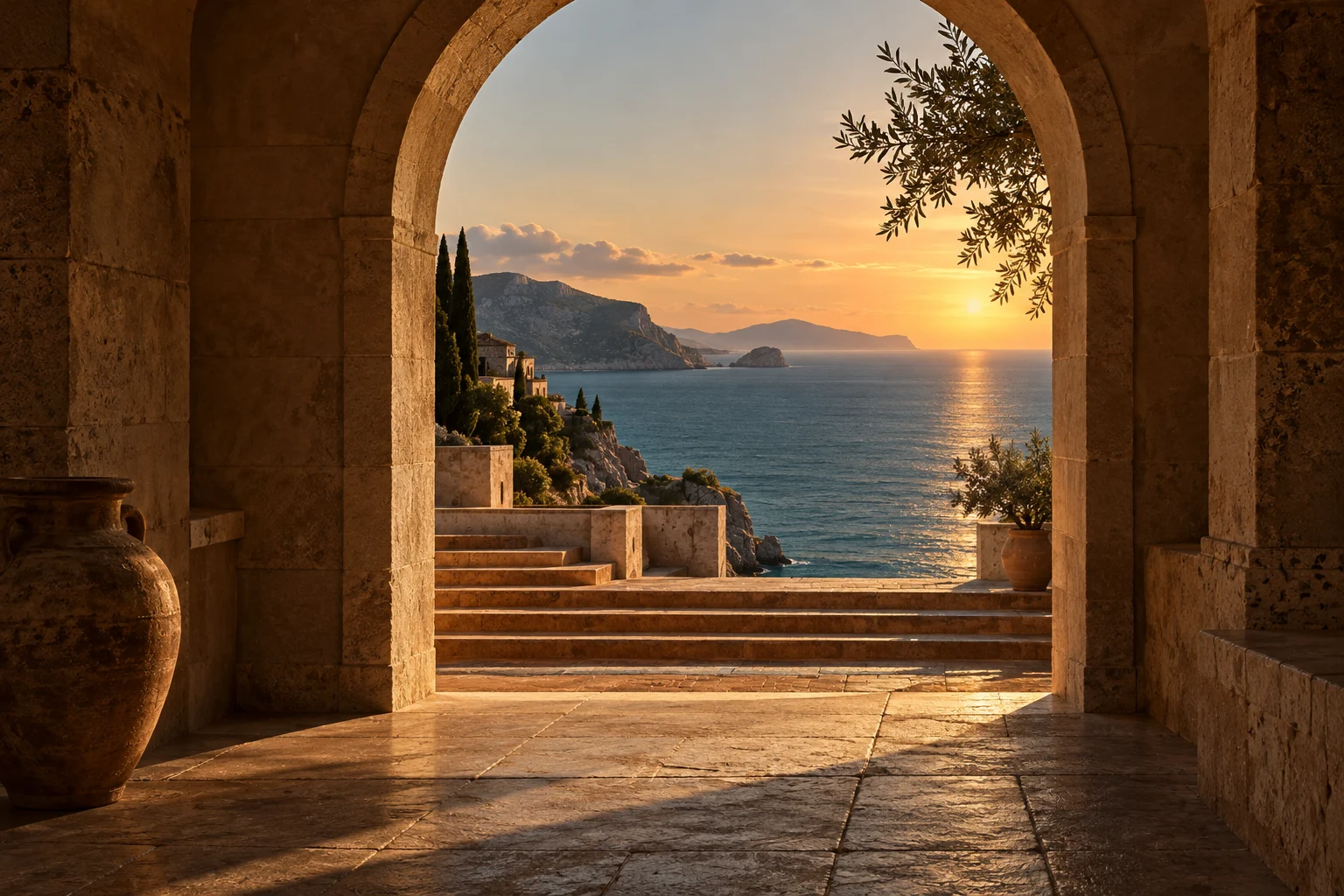
The artwork shows a visual direction, not a generated result. We have not published a verified input-to-output case for this recipe yet. Faces and fine details can change. Review each result before sharing.
Before you create
Related frames work best. Unrelated scenes may morph. Audio options depend on your selected model. Use JPEG or PNG, up to 8 MB and 300–4096 pixels per side. The output follows the source image’s framing.